Benefits of Claiming Your Profile
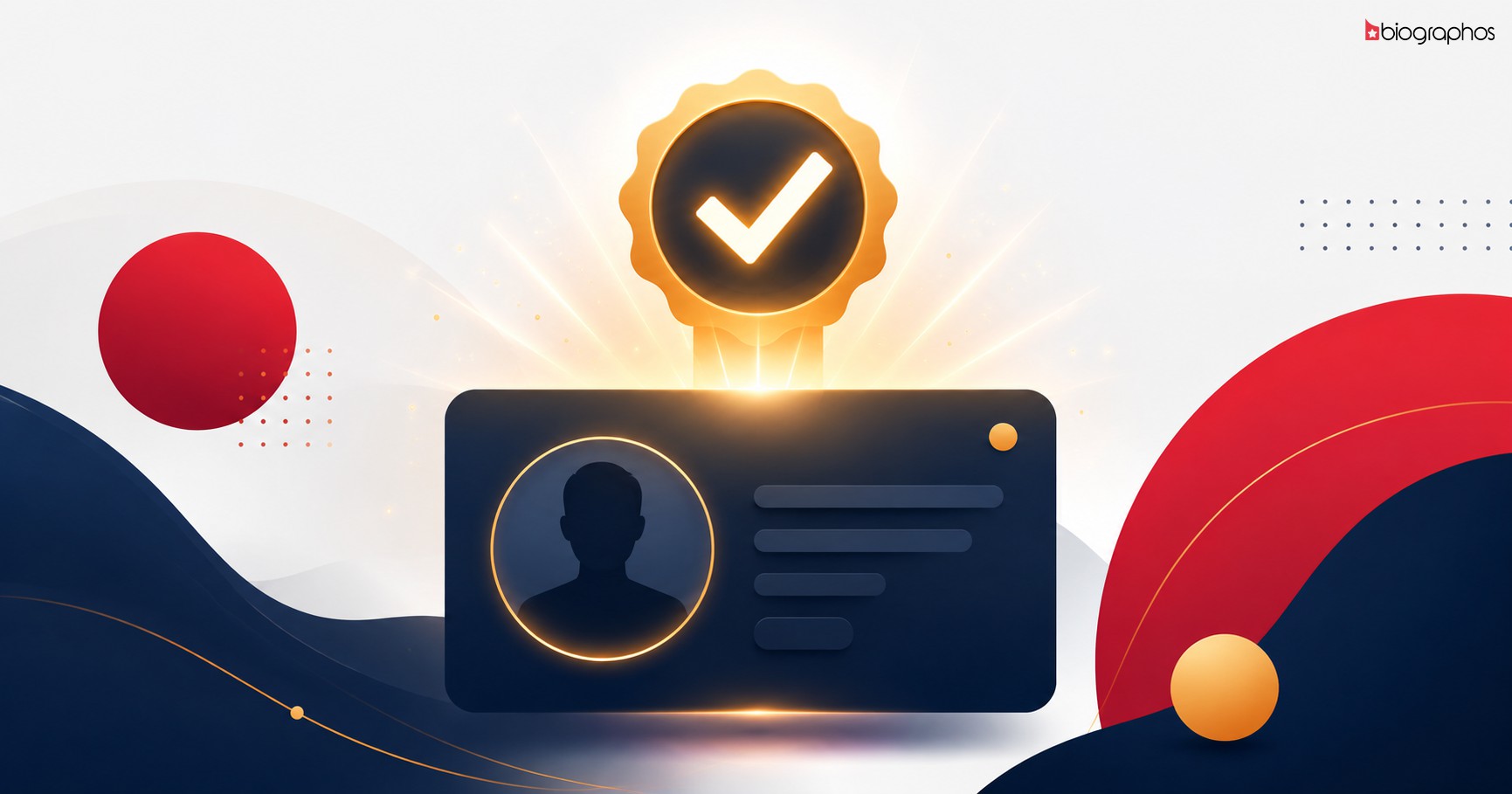
- Verified Badge - an official verification mark appears on your profile, so fans know it's the real you
- Full Control - update your own bio, photos, social links, and career details
- Direct Fan Connection - manage comments and messages from your fans directly
- Accurate Information - correct any outdated or incorrect information yourself
Step-by-Step Process
Step 1: Find Your Profile
Head to the Celebrities section and search for your name.
Step 2: Click "Claim This Profile"
Every unclaimed profile has a claim option available. If you can't find a direct link, contact us and we'll help you submit a claim request.
Step 3: Submit Your Details
For verification, you'll need to provide:
- Your full name
- A contact email and phone number
- Any official social media link or website that confirms it's really you
- Optional: an ID proof or official document, which speeds up verification
Step 4: Wait for Admin Review
Our team verifies your details - typically within 24-48 hours. You'll receive an email confirmation once it's reviewed.
Step 5: Start Managing Your Profile
Once approved, log in and edit your profile directly - bio, photos, social links, everything.
Does Verification Take Long?
If you provide complete details (especially official social links matching your name), the review process moves faster. Incomplete requests may need additional verification steps.
Get Started Now
Take control of your digital presence. Find your profile or submit a claim request directly.
Have a question? Message us through the contact page.