What a Business Profile Gets You
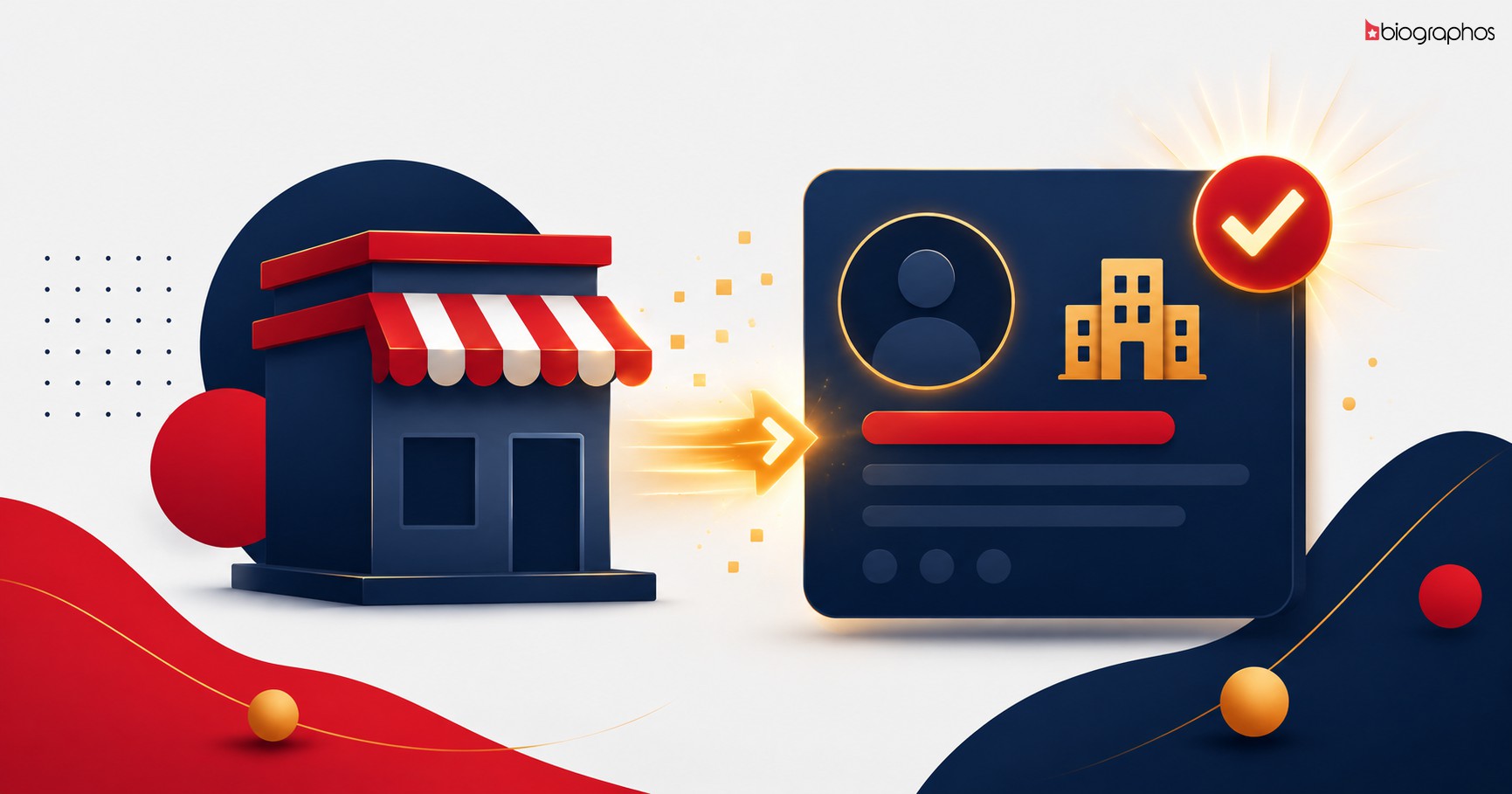
- A Dedicated Brand Page — showcase your company name, logo, tagline, and industry
- Social Proof — website and social media links right on your profile
- A Verified Badge — a verification option to build trust
- Discoverability — reach an audience already engaged with entertainment and celebrity content
Two Ways to Get a Profile
Option 1: Register Yourself
- Go to the register page
- Select the "Business / Brand" role
- Enter your name, email, and password to create an account
- Once logged in, fill in your business profile details — company name, industry, tagline, and social links
Option 2: Have the Admin Create It For You
If you'd like our team to set up your profile for you (especially if you want multiple brand pages set up in bulk), contact us — we'll create a profile for you and send a secure claim link, which you can then link to your own account.
After Your Profile Is Set Up
To make your profile more effective:
- Upload a logo and cover image — visual presence builds trust
- Write a clear industry and tagline — so visitors instantly understand what you do
- Add social links (Twitter, Instagram, Facebook, website) — for cross-platform visibility
- Apply for verification — a verified badge boosts credibility
Who Can Use This?
- Entertainment and media companies
- Talent management agencies
- Brands that run celebrity endorsements
- Production houses
- Any business looking to reach an entertainment audience
Get Started Now
Register here and set up your business profile in 5 minutes, or get in touch if you'd like a personalized setup.