You've probably seen a small checkmark or "Verified" badge next to a public figure's name and wondered what it actually means. Here's a clear breakdown.
What a Verified Badge Confirms
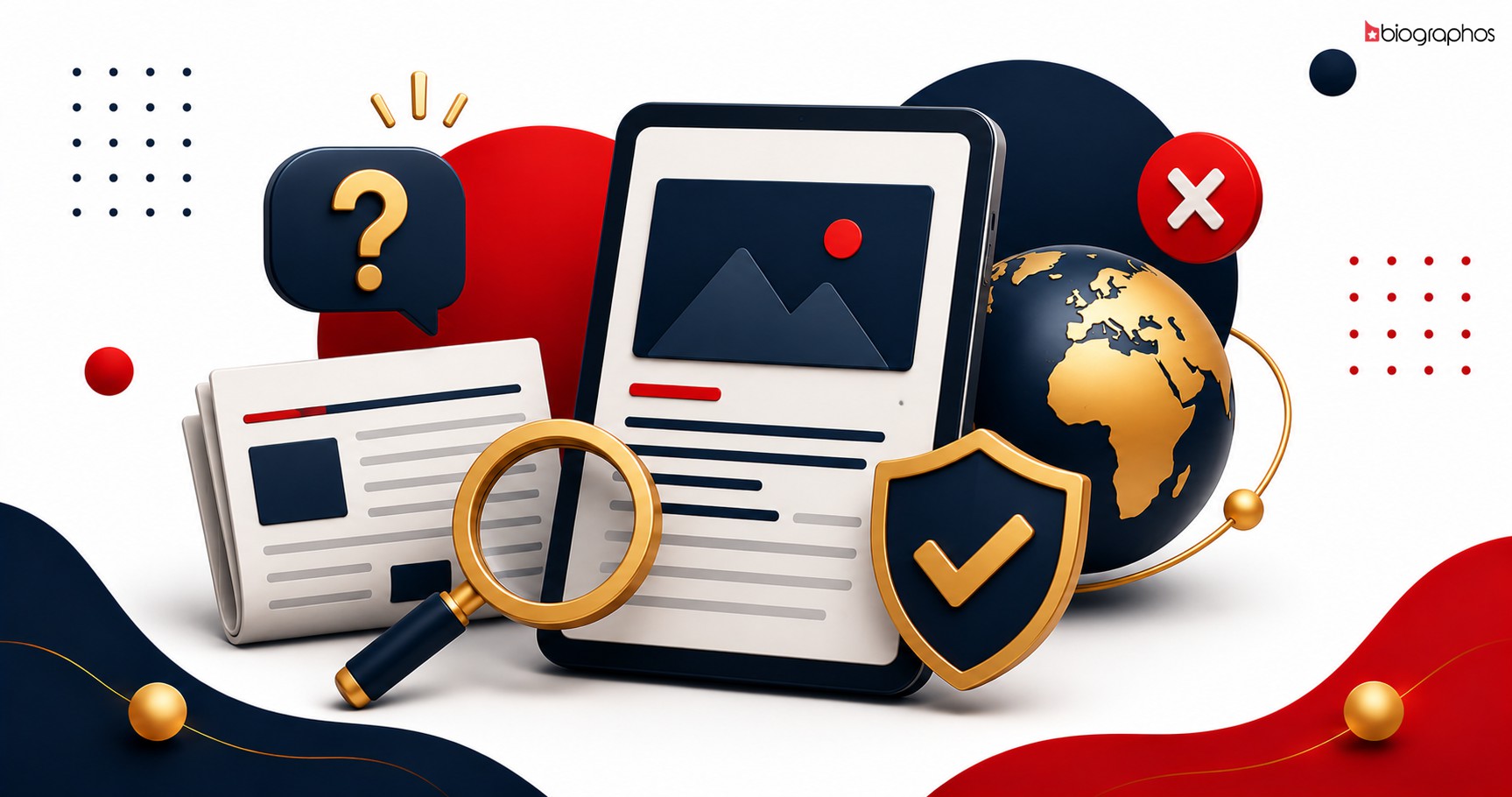
A verified badge means the platform has confirmed that a profile is genuinely managed by the person (or an authorized representative of a business) it claims to represent — not a fan-made page, a lookalike account, or an impersonation.
How Verification Happens
Typically, verification involves the person or business submitting identifying details — official social links, contact information, and sometimes supporting documents — which are then manually reviewed before a badge is granted.
Why Verified Badges Matter for Fans
- Trust — you know the information you're reading is from (or approved by) the actual person
- Avoiding impersonation — verified badges help distinguish real profiles from fake or misleading ones
- Reliable updates — a verified profile is more likely to reflect current, accurate information
Why Verified Badges Matter for Public Figures and Businesses
- Credibility — signals to visitors that the profile is authentic and actively maintained
- Protection — reduces confusion caused by unofficial or outdated fan-made content
- Better engagement — audiences engage more confidently with profiles they know are genuine
How to Get Verified
If you already have a profile, claiming it is the first step — verification is typically reviewed as part of that process, or can be requested afterward. Claim your profile or register your business to begin.